Qpaws for dog professionals
Kennels and mushers. Trainers and handlers. Dog walkers and sitters.
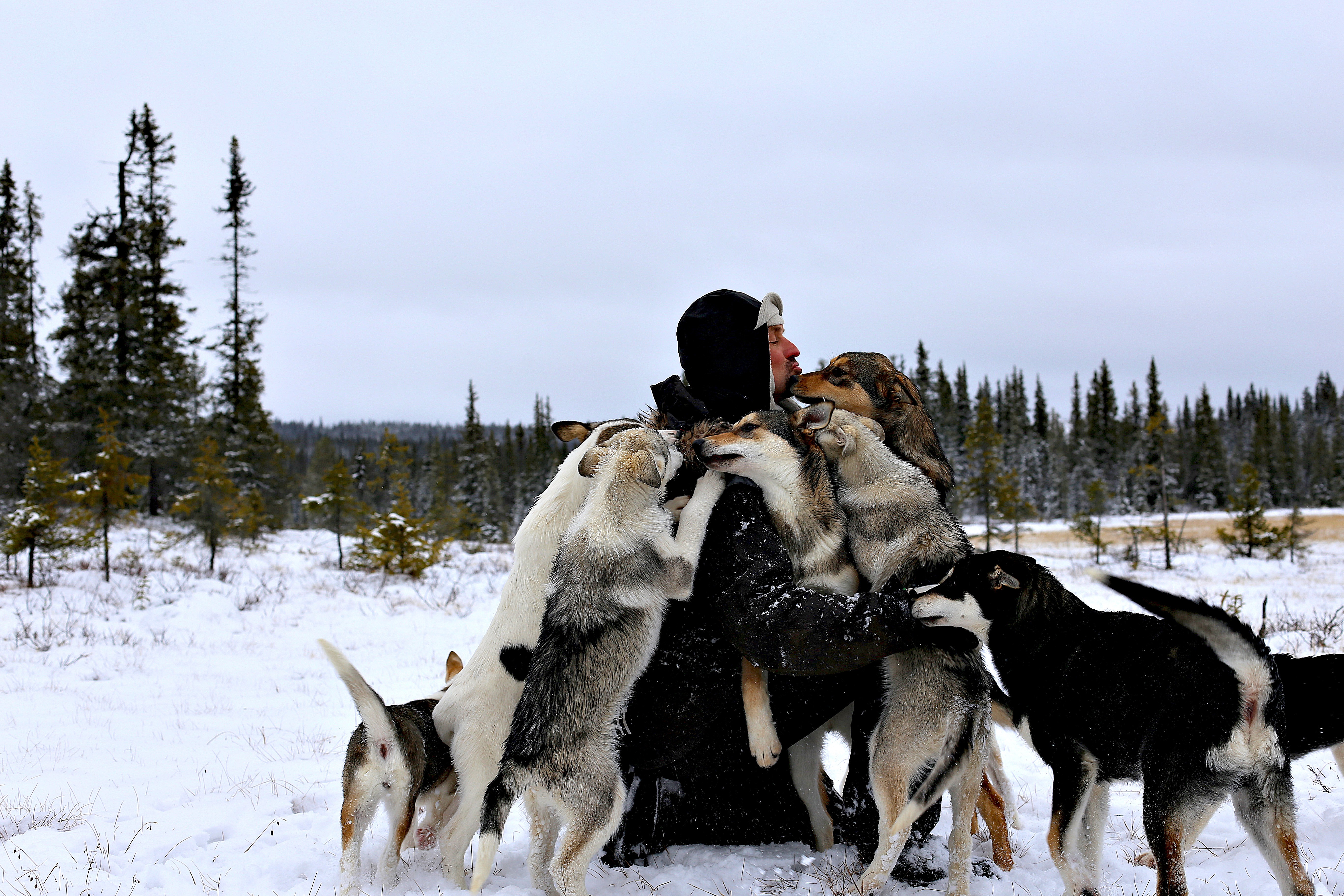
Qpaws is built around the dog. Whether you have one or organise a full pack.
Track activities and training. Keep relevant health and care information. Let owners, handlers, colleagues and other caretakers contribute. And keep everything connected to the individual dog – even when several people are involved.
That makes Qpaws useful not only for regular dog owners, but also for people who work with dogs every day.
Just to mention a few:
Kennels and mushers.
Trainers and handlers.
Dog walkers and sitters.
Breeders.
Hunting and field dog teams.
Search and rescue teams.
Police and military dog units.
Guide and assistance dog organisations.
The setups can be very different. The basic challenge is often the same:
What has each dog actually done – and what do I need to know right now?:
Who trained it?
Who fed it?
Which dogs are in heat?
Who walked the pack?
How far did they go?
When are vaccinations due?
Which dogs are injured, resting or on medication?
What has each dog’s workload looked like this week, this month or across the season?
With Qpaws, that information can live in one place – and the history becomes more useful over time.
How Qpaws works for professionals
It's all built up by three things: dogs, people and groups.
Dogs
Every dog has its own profile and Timeline.
Activities, training, relevant health and care logs, weight, vaccines, statuses, photos and other updates stay connected to that dog over time.
The people around the dog may change. The history does not.
People
Give people access to the dogs they actually work with.
An owner, family member, handler, trainer, sitter, dog walker or colleague can be added as a caretaker and contribute to the same dog history.
The owner controls access, so several people can work around the same dog without everybody needing control over everything.
Groups
Groups organise dogs and people around how you actually work.
A Group might be a kennel, race team, training group, litter, working-dog unit or walking operation.
A dog can belong to several Groups without creating separate records.
Caretakers control access to the dog. Groups organise the context around it.
For many professional setups, that's all you need to get started.
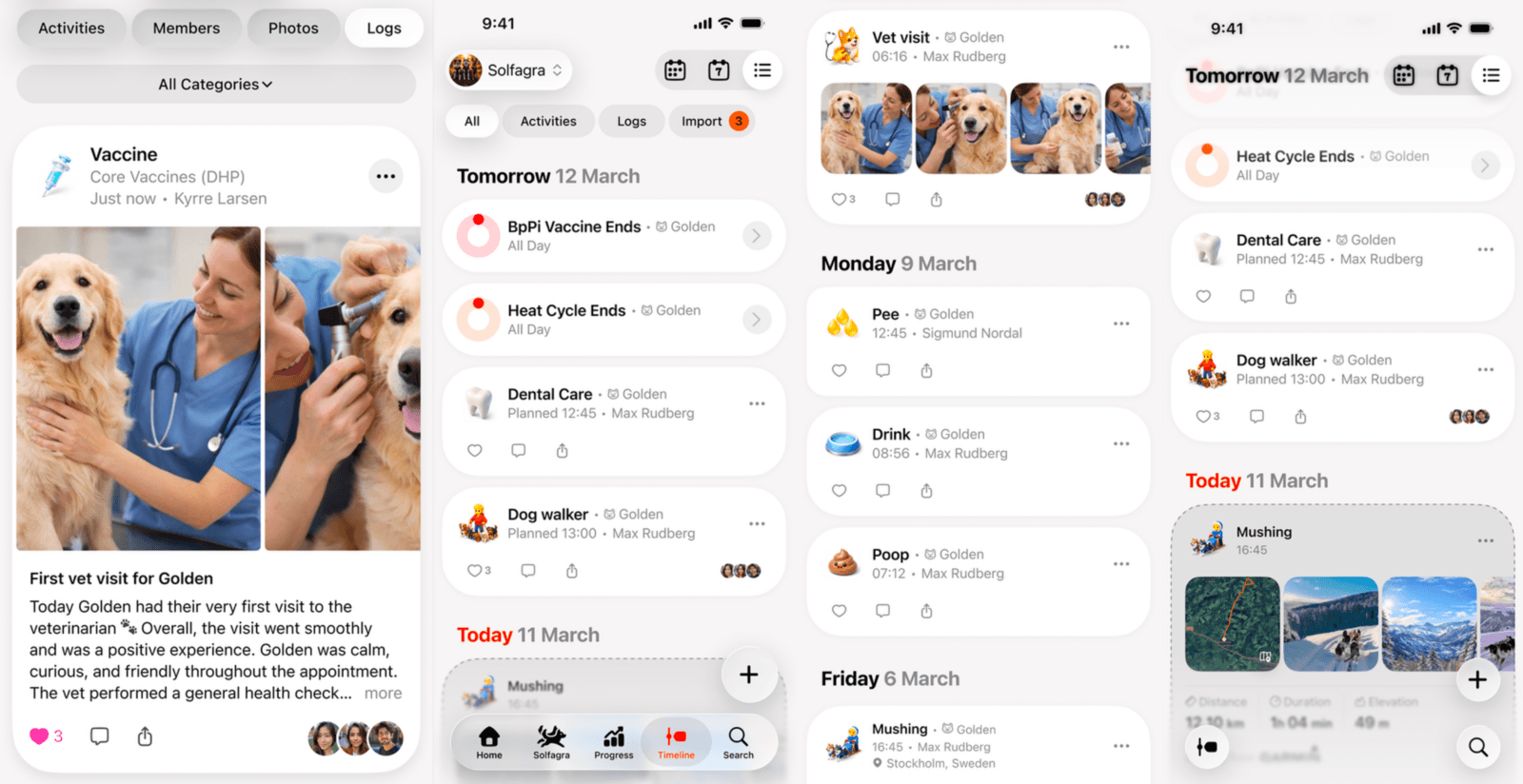
Find the setup closest to yours
Qpaws isn't built around one definition of a "dog professional". A musher with 40 dogs works very differently from a dog walker with 20 clients or a trainer who sees the same dog once a week.
Start with the setup closest to yours.
Kennels & multi-dog operations
Keep dog-specific information together while several people work around the same dogs.
For a racing kennel, that might mean workload, training and progression. For a breeding kennel, weight, vaccines, family relationships and puppy development may matter more. A training kennel may want a shared record of sessions and handlers.
Typical setup: Start with one Group for the overall operation. Give staff or handlers caretaker access to the dogs they work with. Add additional Groups — such as Race Team, Young Dogs or Breeding Programme – only when they reflect a real working context.
Mushing operations
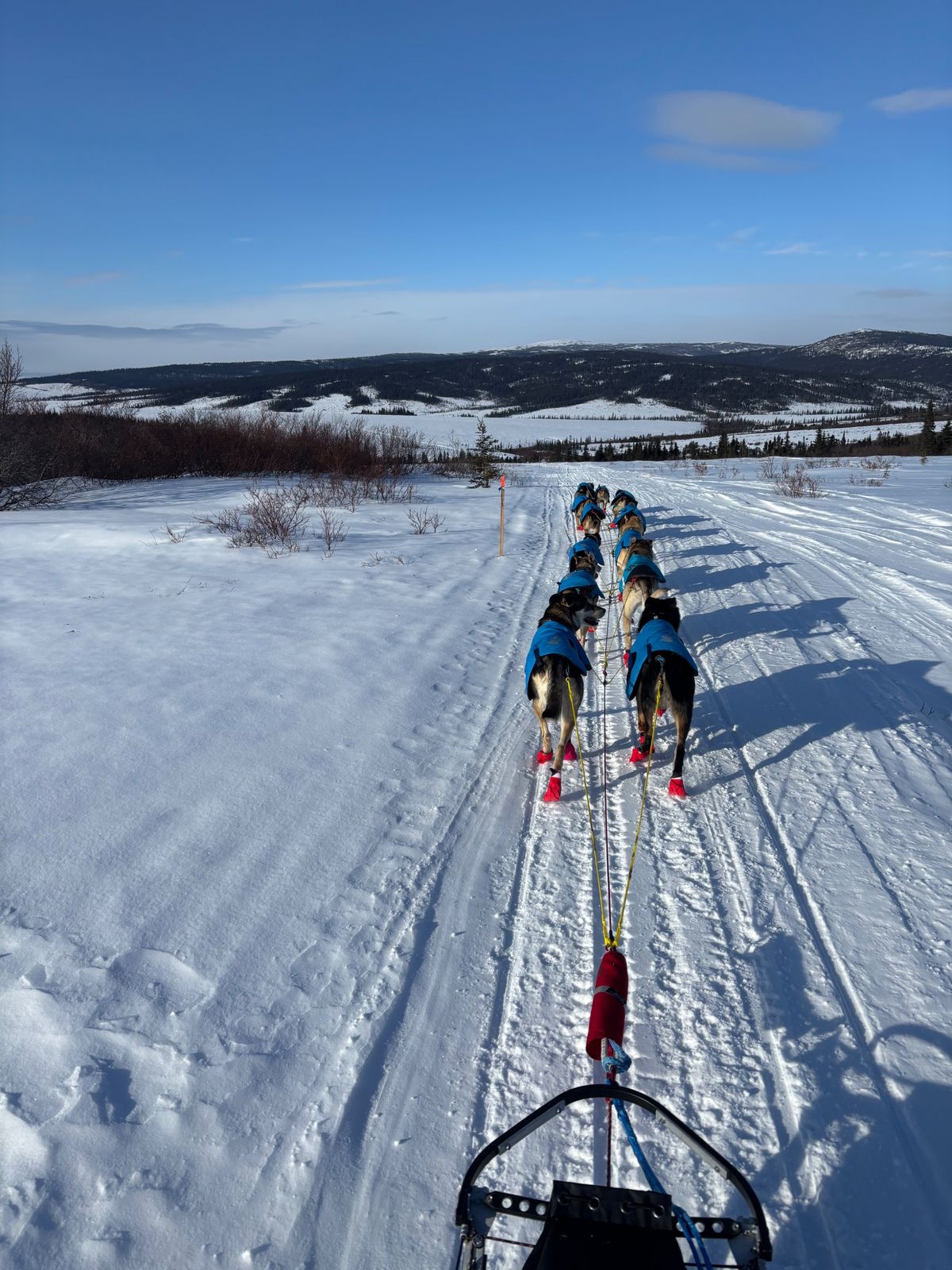
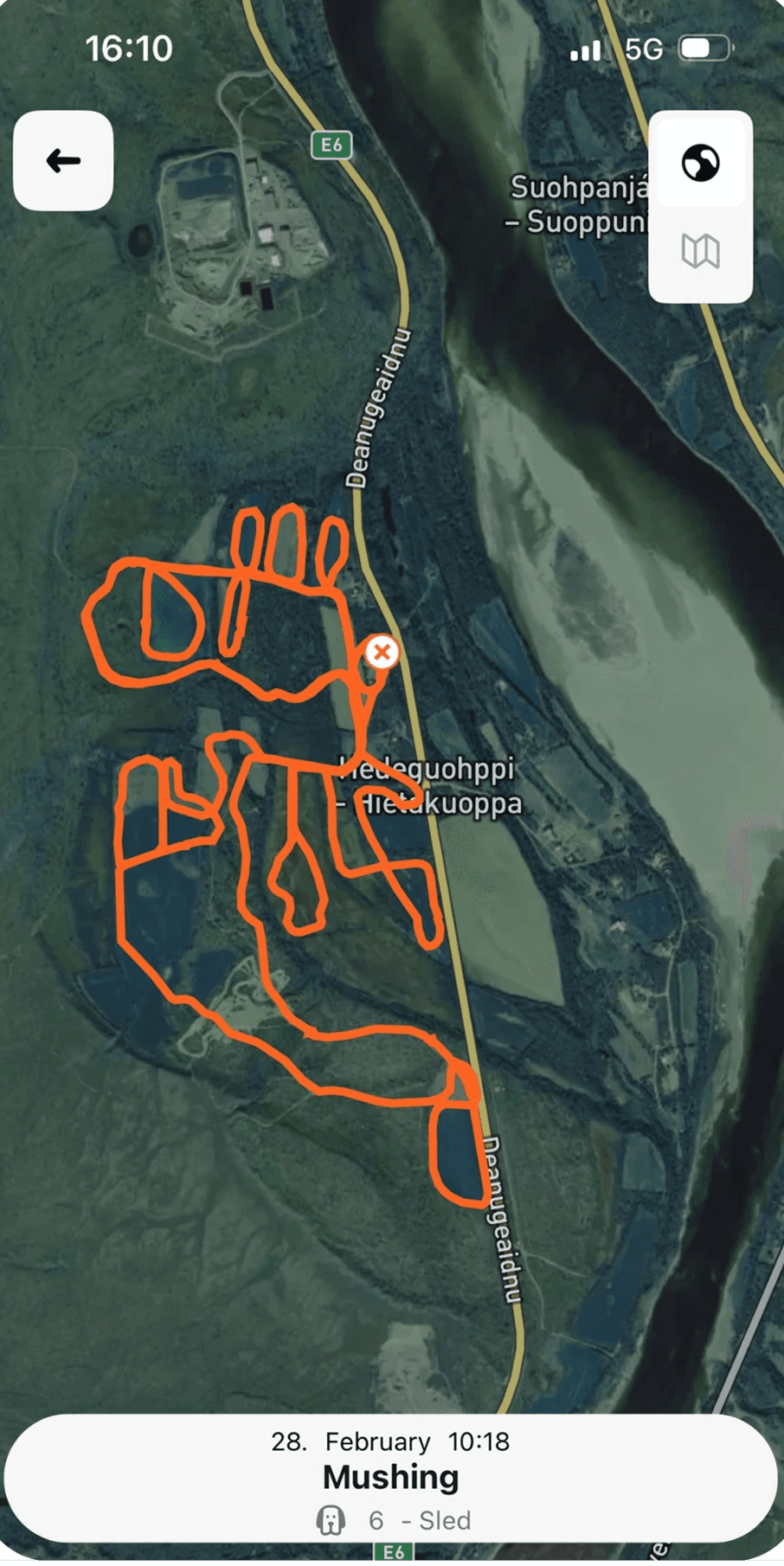
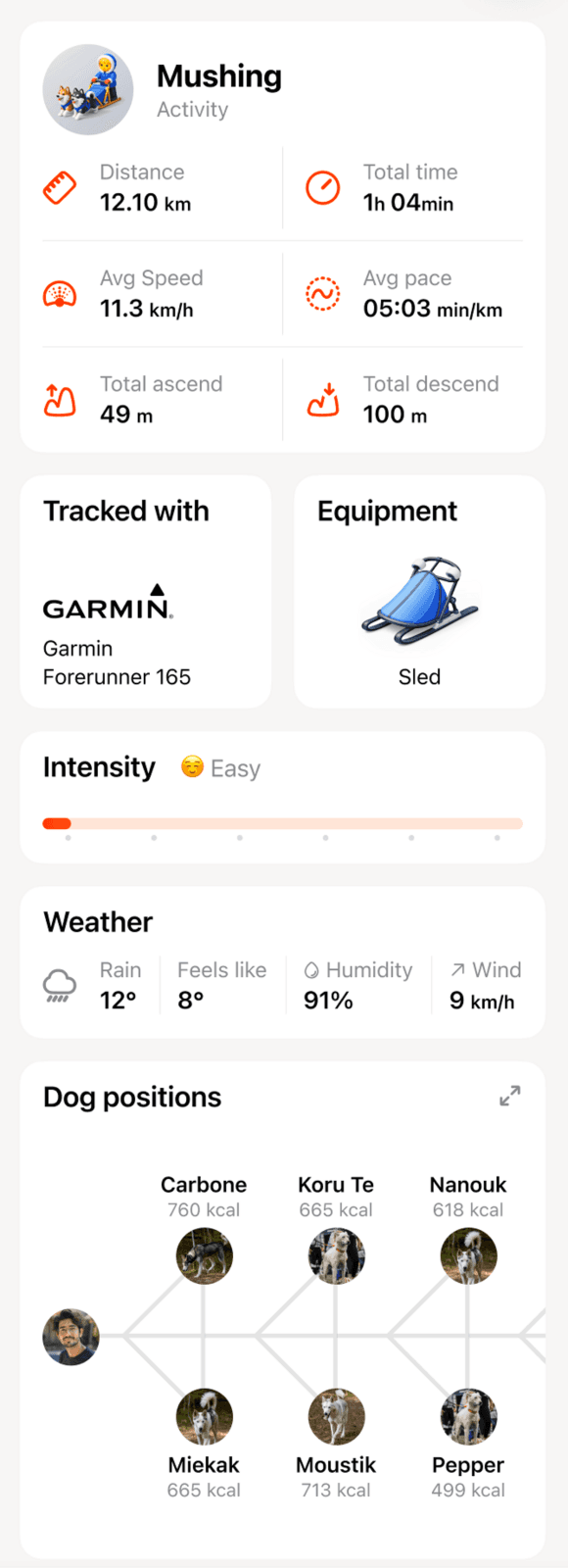
Track a full team while keeping the activity connected to every individual dog.
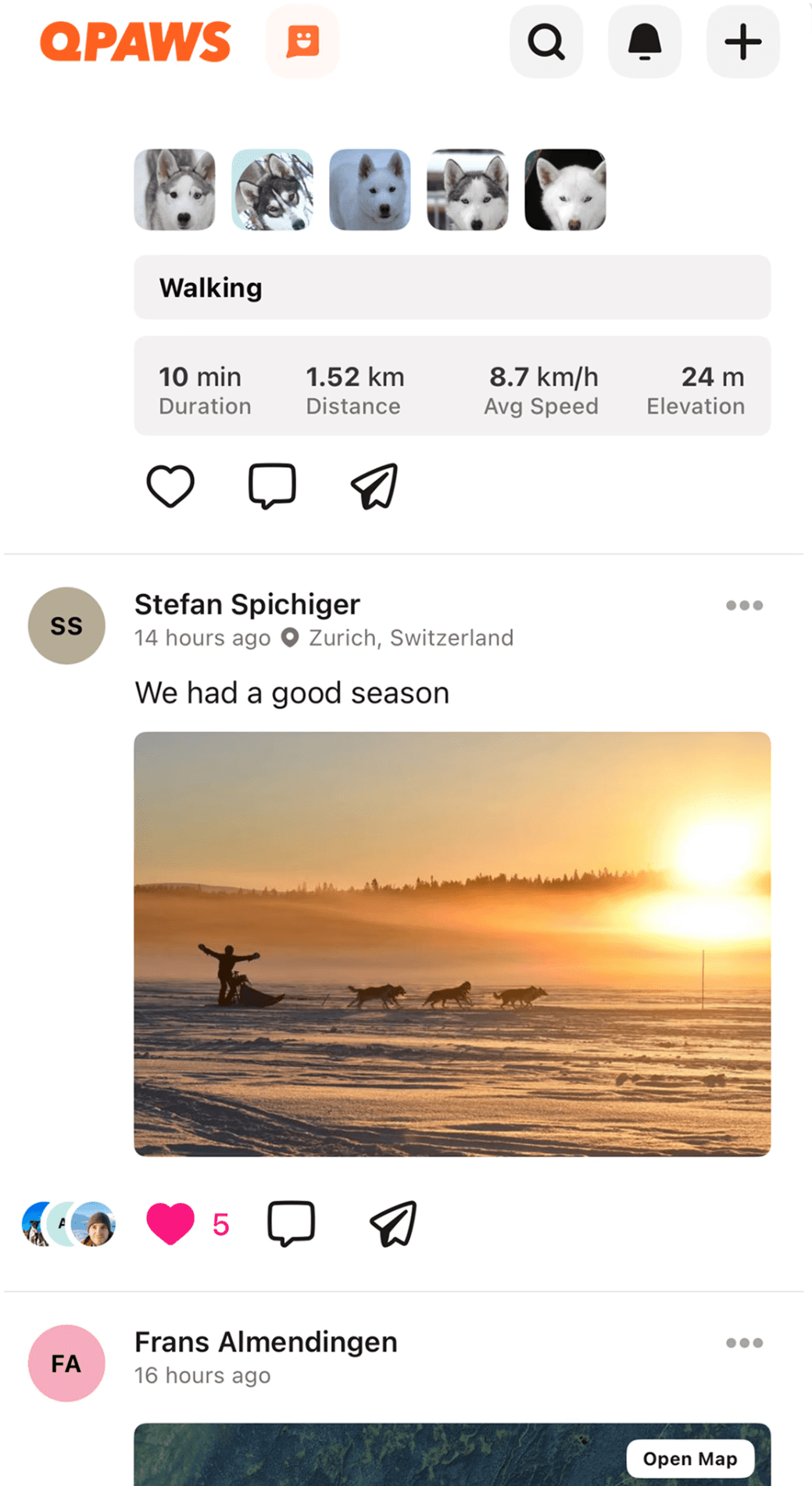
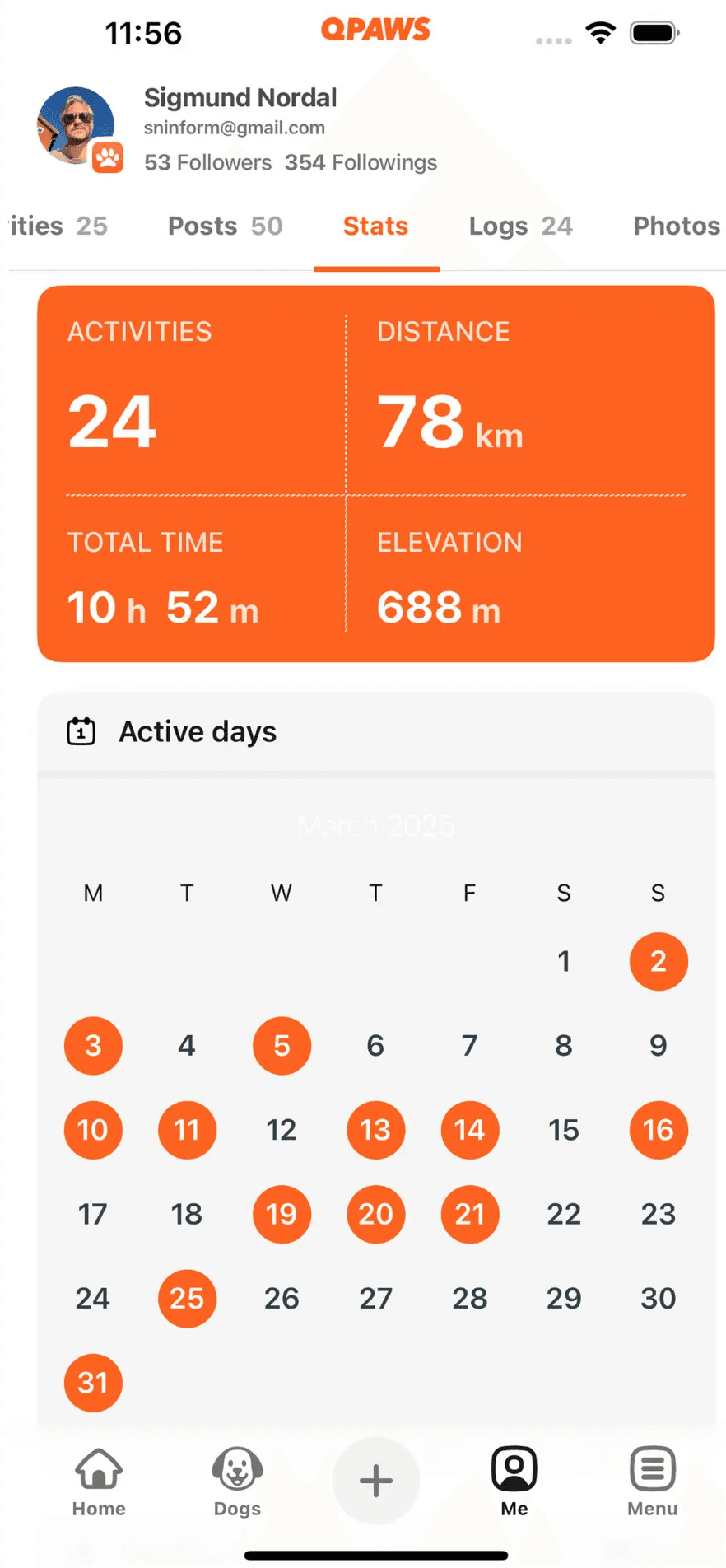
See which dogs ran, their positions, distance, elevation and activity history, and follow training volume across the season.
A kennel can have a main Group alongside Race Teams, Young Dogs or other working groups — while every dog's history remains continuous.
Typical setup: One Group for the kennel, with additional Groups for teams or programmes where useful.
Trainers & handlers
Your programme. Their dog. One shared record.
With caretaker access, your sessions can become part of the dog's normal Timeline rather than living separately in notes or messages.
Track or add sessions, record notes and intensity, see recent activity and follow progress towards shared goals. You can also see what the dog has actually done between sessions with you.
Typical setup: Use caretaker access for individual client dogs. Create a Training Group when several dogs are part of the same class, cohort or programme.
Dog walkers & sitters
Track the walk and let the owner see what actually happened.
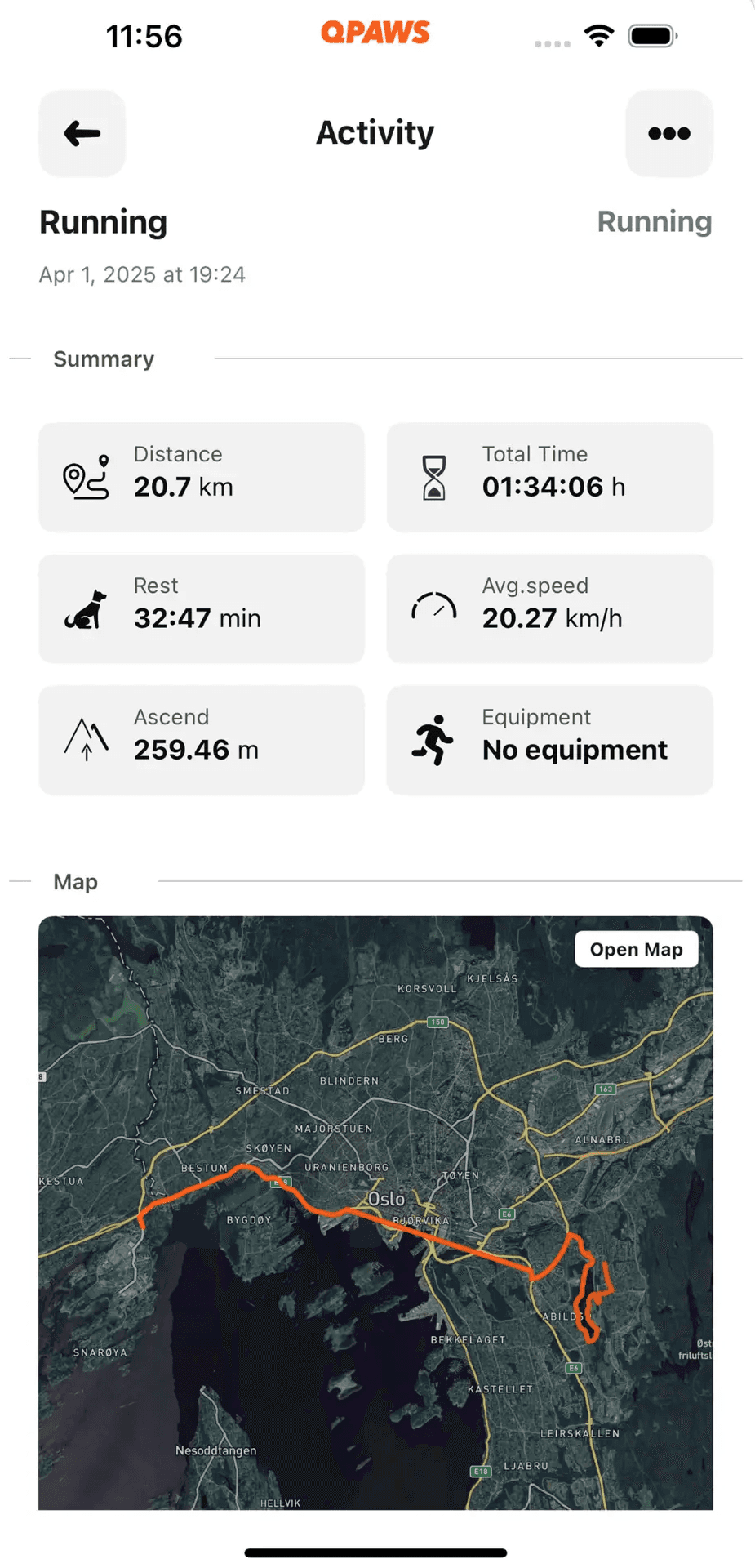
Distance, duration, route, who recorded it, photos and updates can all become part of the dog's history. With Live Following, the owner can follow an activity while it is happening.
The walk doesn't disappear into a message afterwards. It stays with the dog.
Typical setup: Get caretaker access to each client dog and track activities normally. Groups can help larger operations organise dogs and staff.
Breeders
Start the dog's history before the new owner arrives.
Record weight, vaccines, relevant health information, photos, milestones and family relationships as the litter develops.
When the puppy moves to its new home, the owner can continue building on the same history.
Typical setup: Create the puppies early, use a Group for the litter if useful, and invite the future owner before or at handover.
Operational, search & rescue dogs
Keep a continuous training and conditioning history across handlers, environments and training phases.
Qpaws can help teams record activity and conditioning, workload, session notes, injuries, rest and return-to-work periods — while showing who worked with the dog and when.
Typical setup: Give handlers caretaker access to the dogs they work with and use Groups for teams, units or training programmes.
Sensitive operational, mission or security information should remain in specialist systems designed for that purpose.
Guide, assistance & service dogs
Keep relevant history with the dog as it moves through different people and stages — from breeder and puppy raiser to trainer, organisation and final handler.
Activity, training, weight, relevant health information, milestones and handovers can remain part of one continuous history.
Hunting & field dogs
Bring conditioning, everyday activity, specific training and work during the season into the same history.
Follow activity across months and seasons, and keep relevant health, rest and care alongside the work.
Groups can organise dogs and people who regularly train or hunt together.
What Qpaws is – and what it isn't
Qpaws is not an invoicing system, booking platform, CRM or full business-management system.
We're not trying to replace accounting software or staff scheduling.
Qpaws is strongest at something else:
Keeping track of dogs, their activity and care, and the people working with them.
For some professional operations, the current Qpaws setup may already cover a meaningful part of the day-to-day workflow.
Getting started
Don't design the perfect setup before you've used Qpaws.
Start with a few real dogs.
Add the dogs you work with.
Give the right people caretaker access.
Create one Group if you need an organisational layer.
Track real activities and add the logs that matter.
See what becomes useful.
Add more Groups or structure only when you discover you genuinely need them.
The best setup is usually the simplest one that matches the way you already work.
Running a larger operation?
We'd particularly like to hear from early professional users.
We're not assuming every professional workflow fits Qpaws perfectly today. We want to understand where it already works naturally – and where something is missing.
If you run a kennel, training operation, dog-walking business, working-dog team or another larger setup, tell us what you do, how many dogs are involved and how many people work around them.
Help us build what comes next
Use Qpaws during real work and tell us where the gaps are.
What still ends up in a spreadsheet? What takes too many taps? What should several handlers be able to see at once? What information should follow a dog between people or organisations?
We're especially interested in exploring areas such as:
Professional dog walking – testing how far the current access → track → share model can go before a more specialised professional setup is needed.
Working and service dog – exploring Qpaws as an activity, training and continuity layer alongside specialist systems.
Rehabilitation and return to activity – connecting everyday activity and training history with professionals helping dogs return safely to work or sport.
Verified records – exploring ways for trusted professionals to verify information such as vaccinations.
Professional partnerships – working with relevant experts, clubs, events, services and organisations where it creates real value for Qpaws users.
These are areas we're exploring, not promised features or roadmap commitments.
Try Qpaws with the way you actually work
You don't need a large rollout.
Start with a few dogs. Invite the people who actually work with them. Track what really happens.
Then see whether having the information follow the dog makes the work easier.
And tell us what Qpaws should solve next.
New to Qpaws?
Start with The complete guide to Qpaws – to see how it all works to get started.