





Ask most agility handlers what they logged after their last training session. The honest answer is usually: the course run time. Maybe a fault count if something went visibly wrong.
That's not a tracking system, but a scoreboard.
A stopwatch tells you where you finished. It doesn't tell you why the weave entry fell apart in the final third, why your dog's drive has dropped over the last three Sundays, or why your trial runs are consistently slower than your practice runs, even though you're training hard. Those patterns require a different kind of data – and most handlers aren't collecting it.
The result is predictable: you plateau, and you can't diagnose why. You train harder. The plateau continues. You assume your dog has hit a ceiling, when what's actually happened is that you've been accumulating load signals you weren't reading.
This is fixable. It requires logging five things consistently, not just the clock.
Why Agility Plateaus Are Usually a Data Problem
Agility performance is multivariable. Your course time is the output of at least half a dozen inputs running simultaneously: obstacle commitment, line efficiency, handler positioning, dog drive level, communication clarity, and physical readiness on that particular day. When performance stalls, the problem is almost never in just one of those inputs – but because most logs only capture the output (time, faults), the inputs are invisible.
Three distinct problems tend to look identical from the outside:
Stagnation is when you've stopped making progress despite consistent training. Usually a training design problem – the sessions aren't providing the right stimulus to push past a current skill level.
A genuine plateau is when your dog is approaching a performance ceiling given their current physical or cognitive capacity. Real, but often temporary and trainable through building the foundation skills more systematically.
Overtaxing looks almost identical to stagnation from the outside, but the root cause is opposite: you're training too much, not too little. A dog that is accumulating load faster than they're absorbing it will show reduced drive, slower response times, and inconsistent obstacle performance – the same symptoms as undertraining.
You cannot tell these apart from time data alone. Which data points you collect determines which problems you can see.
The Five Things Worth Logging After Every Agility Session
These five metrics take two to three minutes to record and, over four to six weeks of consistent tracking, produce a picture that run times alone never will.
1. Course description and sequence type
Log what you actually ran: not just the number of obstacles, but the type of sequence. Technical handling (multiple obstacle discriminations, tight turns, threadles) is a fundamentally different training stimulus from flowing sequences at speed. A session that produced a slow time on a technical course is not the same as a slow time on an open course – but without a course note, they look identical in your log.
You don't need to sketch the whole course. A brief description works: "six-obstacle technical wrap sequence, multiple discriminations" tells you what you need to know when you look back in three weeks.
2. Fault type and location, not just fault count
"Two faults" tells you almost nothing. "Two bar faults, both on extension jumps after a tight turn" tells you exactly where to focus. Log the type of fault (bar down, missed contact, refusal, off-course) and where in the sequence it occurred.
Over multiple sessions, patterns emerge from this data that are completely invisible from fault counts: if your dog is consistently dropping bars on landing after collection efforts, that's a different problem from dropping bars on long approaches. The specific pattern is the diagnostic, and diagnosing correctly is what separates consistent improvement from repeated mistakes.
3. Dog energy and drive level through the session
This is the metric most handlers skip and the one with the most predictive power.
Rate your dog's drive level on a simple scale (low / moderate / high is sufficient) across the session: at the start, at the midpoint, and at the end. A dog that starts at high drive and finishes at moderate is normal. A dog that starts at moderate and finishes at low has either been over-asked physically or is accumulating fatigue across the training week. A dog that starts low and never builds is telling you something about their recovery state coming into the session.
If you track this metric consistently, you will start to see the sessions that precede performance drops before the drops happen. That forward signal is worth more than any amount of post-hoc analysis of course times.
4. Handler error – separate from dog error
Agility handlers are part of the performance equation. A late cue on a threadle, a bad line choice before a discrimination, or a misread of the dog's take-off stride all produce faults or slow times that have nothing to do with the dog's skill level.
Keep a handler error note separate from the fault log. Not as self-punishment, but as data. If your course notes show three handler errors in a session, and your dog's energy was high throughout, you know the session output was limited by handling – not by your dog's fitness or skill. That changes what you work on next.
5. Post-session behavior
A brief note on your dog's behavior in the hour after the session tells you about recovery capacity in ways that in-session observations can't.
Normal post-session behavior for a fit, appropriately loaded dog: they settle quickly, they're calm but engaged, they're interested in food. Red flags: persistent panting more than 30 minutes after session end, disinterest in food, over-stimulated behavior that doesn't settle, or unusual stiffness when getting up. A dog that is flat and disengaged the day after a session hasn't recovered from it – and that flatness, logged across several sessions, becomes an early warning signal before it shows up as dropped performance.
How to Use the Data Across a Season
Individual session logs are useful. Season-level patterns are where real training decisions get made.
Three patterns become visible once you have six or more weeks of consistent data:
Practice-to-trial gap.
If your trial times are consistently slower than your practice times on equivalent courses, the issue is usually arousal management, handling pressure, or environmental sensitivity – not skill gaps. You can only see this pattern if your practice logs are specific enough to compare against trial conditions.
Load and drive correlation.
Map your dog's drive ratings against your weekly session volume. If drive consistently drops in weeks where you've trained five or more days, you're likely over-loading. If drive is flat across the board regardless of volume, there may be a motivation or health variable worth investigating with your vet or trainer.
Fault clustering.
When you look at fault type across multiple weeks, common locations and fault types repeat. A dog that produces 80% of their bar faults on specific obstacle approaches or sequence types isn't inconsistent – they have a specific skill gap that targeted training can address. The cognitive and motivational side of agility performance is often where these clusters originate, and the pattern data is what makes them actionable.
Building the Season Framework Around Logging
Agility has natural season structure: a base-building phase, a competition build, trials, and a recovery period. The data you collect serves different purposes at each stage.
Base phase: track drive levels and fault patterns. This is when you're establishing baselines – you need to know what "normal" looks like for your dog so you can detect deviations later.
Competition build: track handler errors and fault types closely. This is when technical skill gaps become rate-limiting. Your logs should show fault rates improving on specific sequence types if your training is targeting the right things.
Trial period: compare trial performance against practice logs. Track dog energy and post-session behavior carefully – competition weekends carry higher stress loads than training sessions and require more recovery time than most handlers account for.
Off-season: reduce fault tracking. Focus on drive levels and post-session behavior. This is when you're recovering absorbed load and rebuilding fresh motivation – the data you need is recovery data, not performance data.
A Simple Per-Session Template
Whether you log in Qpaws or a notebook, these are the fields worth capturing after every agility session:
Course type – technical / flowing / mixed; key obstacle types
Time and fault count – standard stopwatch data, kept in context
Fault breakdown – type and location for each fault
Dog drive – start / mid / end session rating (low / moderate / high)
Handler notes – any errors in timing, positioning, or cue delivery
Post-session behavior – settled normally / slow to settle / flat or stiff
The sixth point takes thirty seconds to record and is the one most likely to catch a load-accumulation problem before it becomes visible in performance.
Tracking Agility in Qpaws
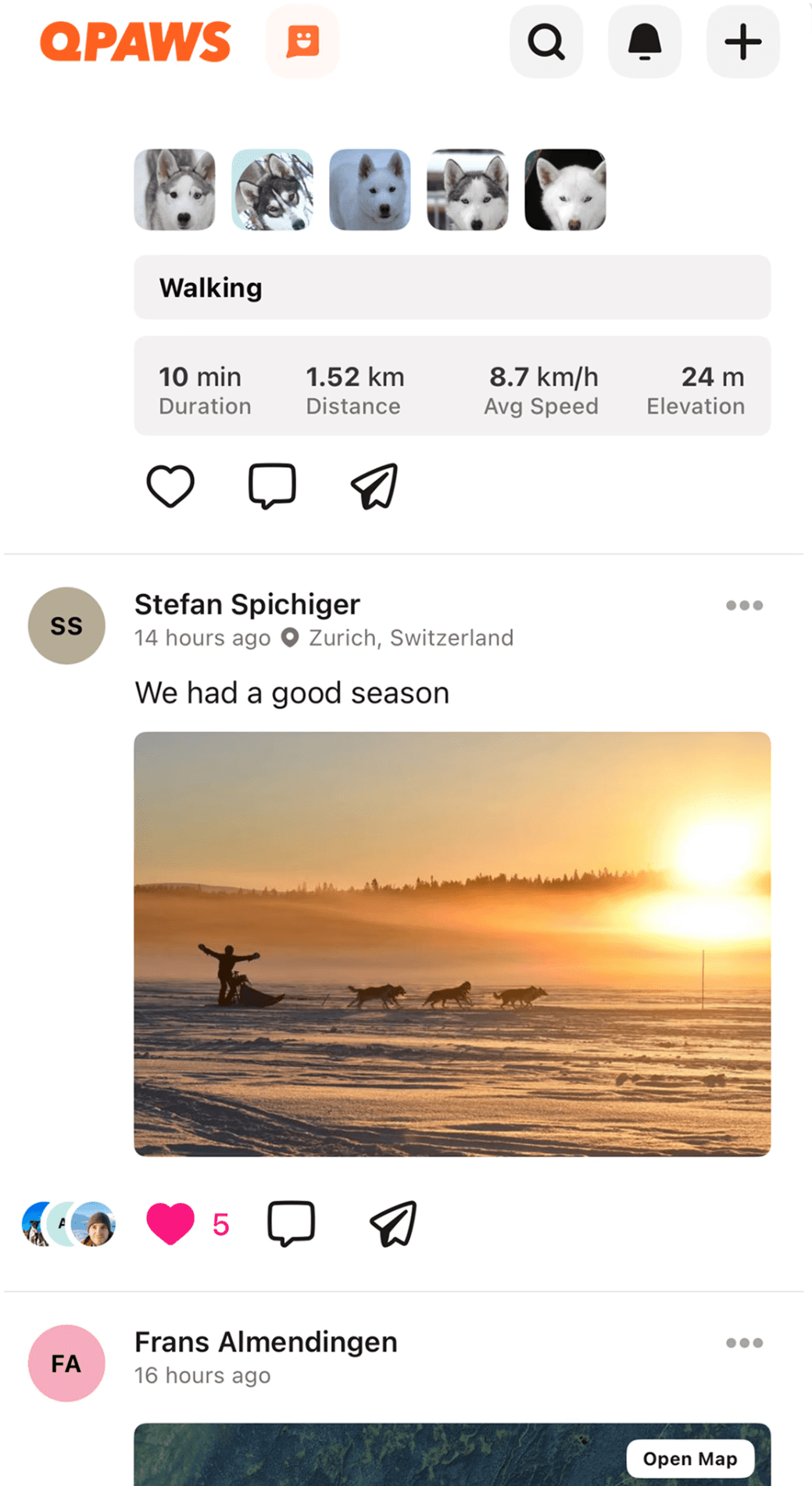
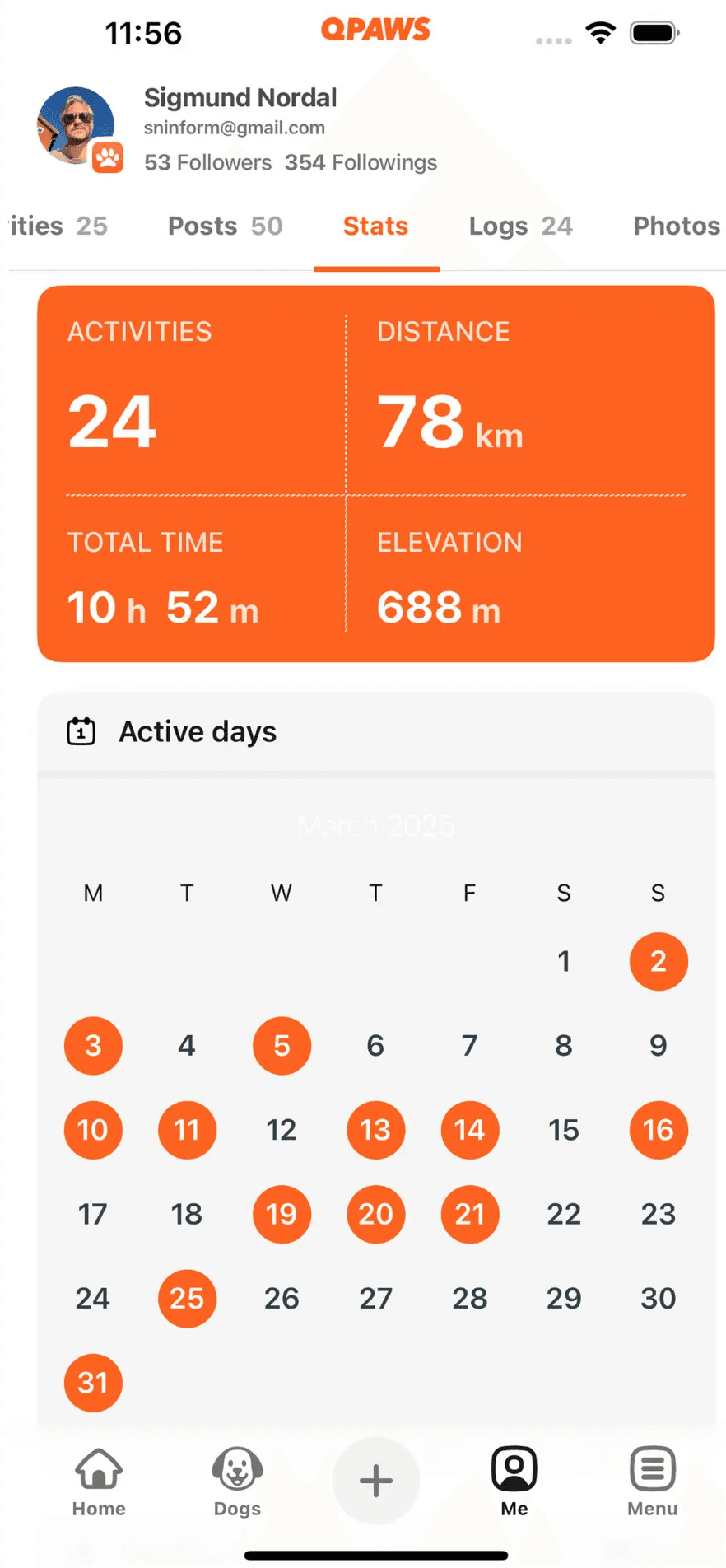
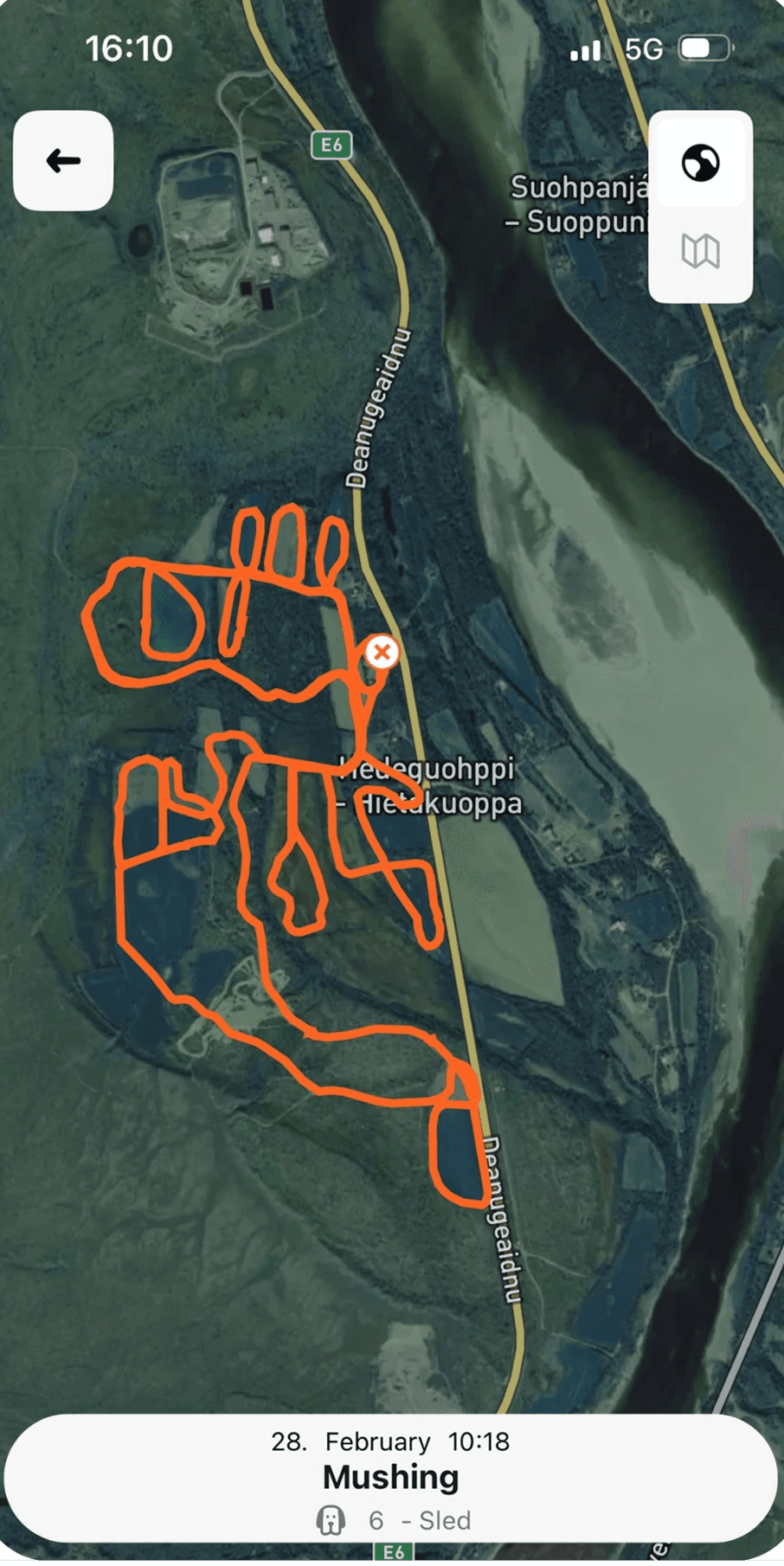
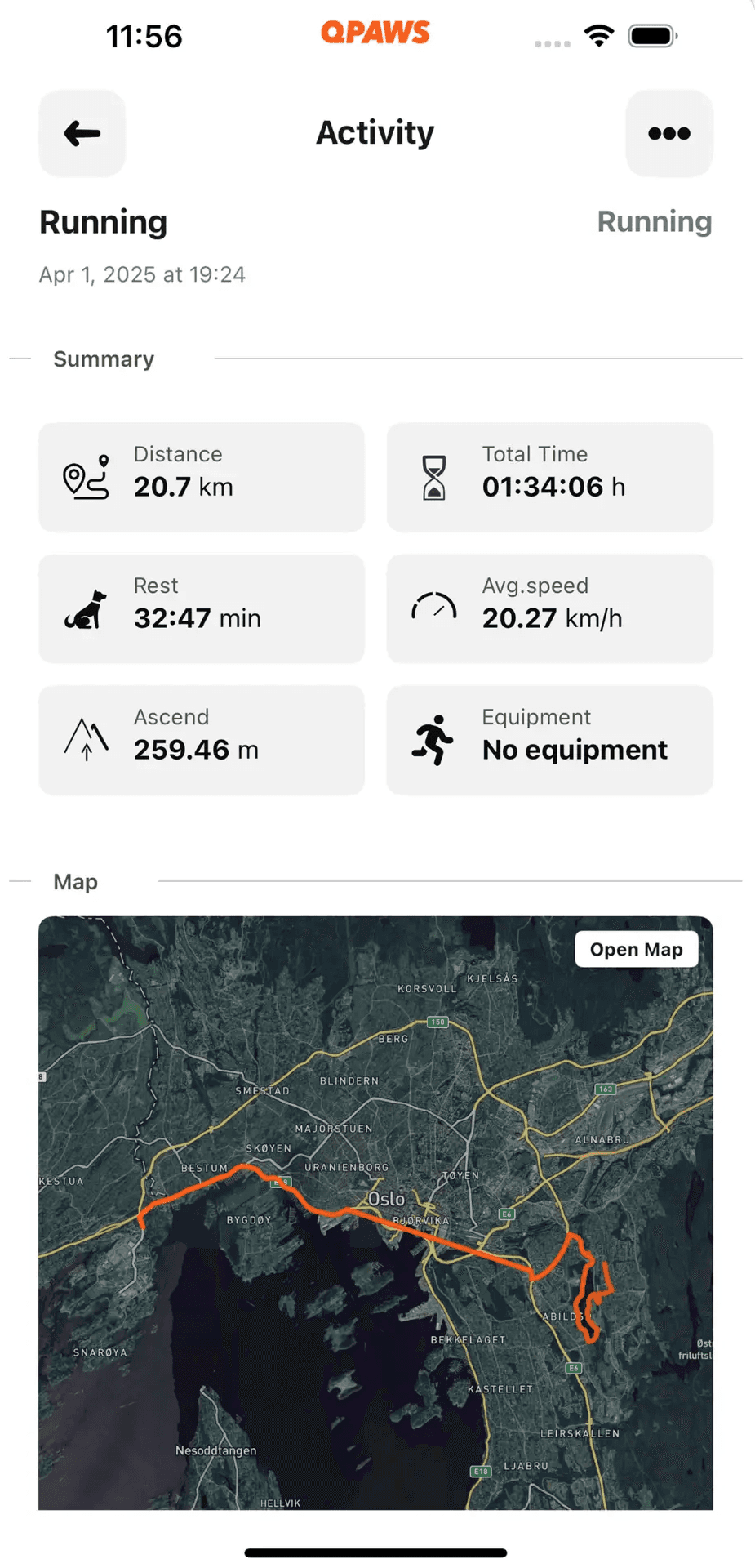
Qpaws logs agility as a named activity type with fields built for what the sport actually requires: session notes, energy levels, post-session behavior, and fault logging alongside the standard distance and duration data. Sessions accumulate into a timeline that makes season patterns visible without manual aggregation.
If you've been training hard without a clear sense of where your progress is stalling, the answer is almost always in the data you haven't been collecting.
Start your agility training log in Qpaws – free on iOS and Android.
Related articles:


![Dog Endurance Training: Build Stamina Safely [Guide]](https://framerusercontent.com/images/7Y2HphZSTrLGkXRZ9TrZXx7u30.png?width=2240&height=1260)